Rap lyrics
Four original lines written from your topic. A topic in English gets English lyrics. Prefer your own words? Switch the creator to write your own lines instead.
Topic to rap video
This AI rap generator turns a topic into rap lyrics, a beat, and a short video. Add your photos and the AI rappers in the video are the two of you, performing four original lines in a scene you pick.
Enter a topic and add your photos to generate lyrics, a beat, and a video.
One render gives you three things together, so the verse is ready to watch and share, not just read.
Four original lines written from your topic. A topic in English gets English lyrics. Prefer your own words? Switch the creator to write your own lines instead.
The vocals ride on a backing beat that is generated with the video, so you do not need to find or license an instrumental before you start.
The lines are performed by a lip-synced duo built from your photos, with subtitles. This is what sets it apart from a lyrics-only tool.
See an AI rap video →Three steps, all in the creator above. Nothing is charged while you fill in the form.
Upload two clear selfies, or one photo with both people in it. Everyone pictured must be 18 or older. Then choose one of the scenes for the performance.
Type a short topic, such as a friend’s birthday, an inside joke, or the day the team finally won. Specific topics make better verses than vague ones like “life” or “money”.
Sign in and render. With enough credits, they are charged at the start and the full video is yours to download or send to your phone. Without them, if the creator offers it, you watch a watermarked preview first and unlock the full video later with credits or cash.
Your photos are what turn a written verse into a performance. A few rules keep that fair to everyone in the picture.
Upload photos you took or have permission to use, and only of people who are 18 or older. Do not upload another person’s face without their consent, and do not use anyone’s likeness to harass or mislead people.
Each photo goes through an automatic safety check before it is saved. Photos with nudity or other unsafe content are refused, and the creator tells you which photo to replace.
Your photos are used to generate your video. See the terms of service for what you agree to when you upload, and how the rules above apply.
Want to see how a duo looks on stage first? Watch the studio booth and the street cypher samples.
Scene examples: each one is a real sample render. Pick any of them in the generator, or open the scene page to watch it first.
For a desk set in a small room, open the Tiny Desk AI scene page.
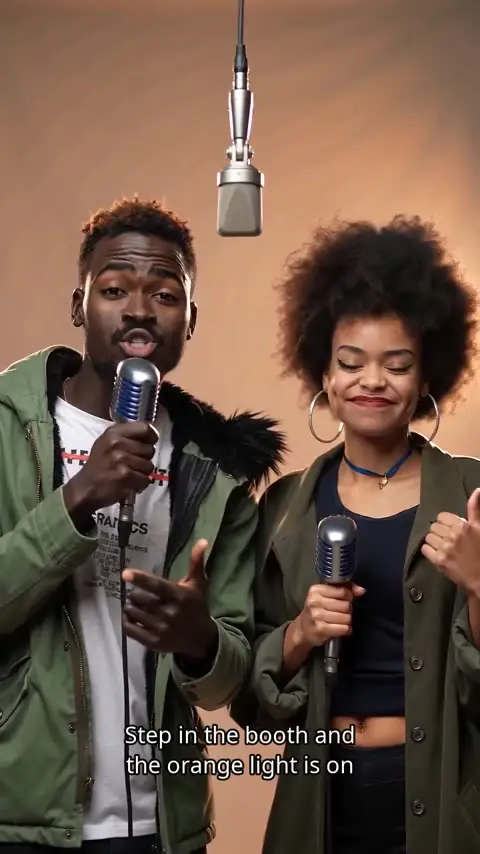
Warm light, a hanging mic and your breakout duo moment.
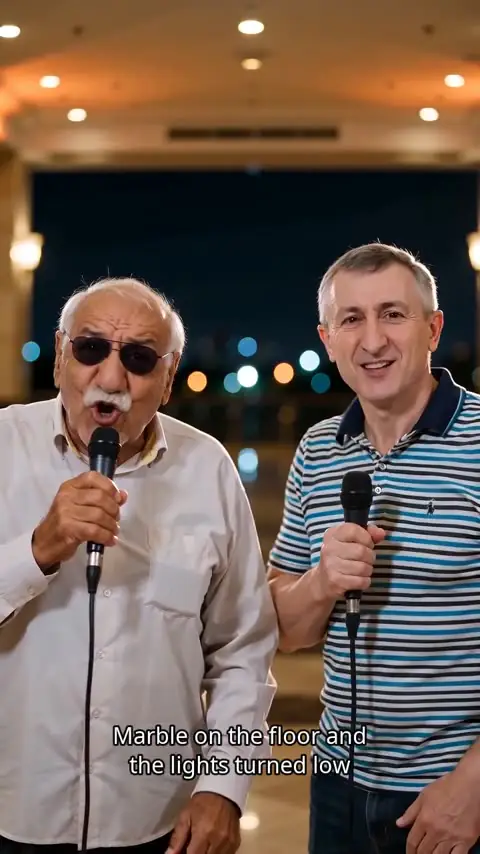
A polished lobby, an unexpected duo, and a check-in worth sharing.
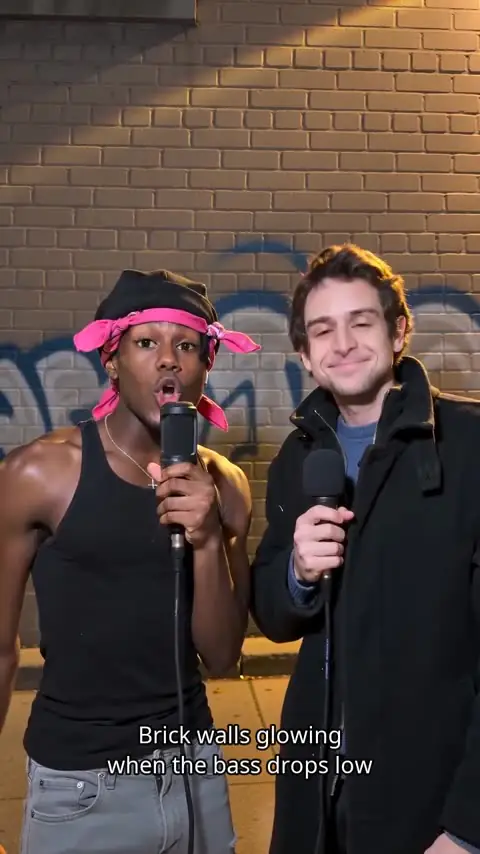
Take your two-person back-and-forth to a graphic city corner.
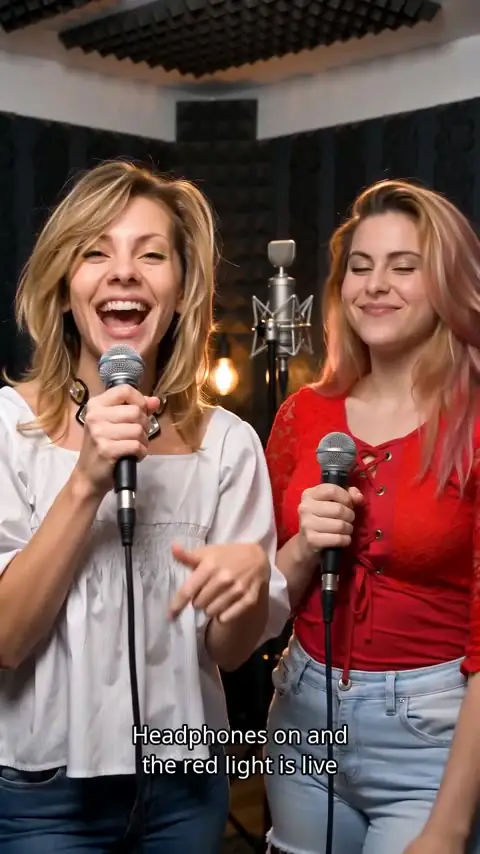
Two mics, one booth, and a playful exchange built for the duo.
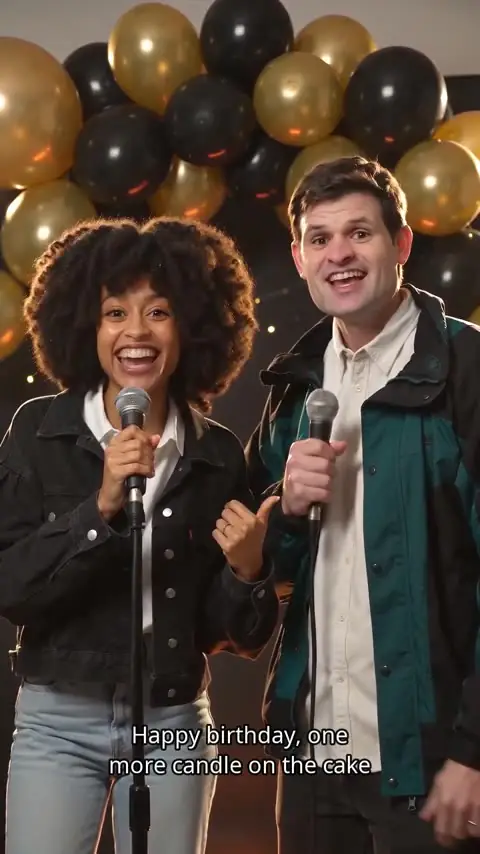
A friendly birthday rap for the person who can take a joke.
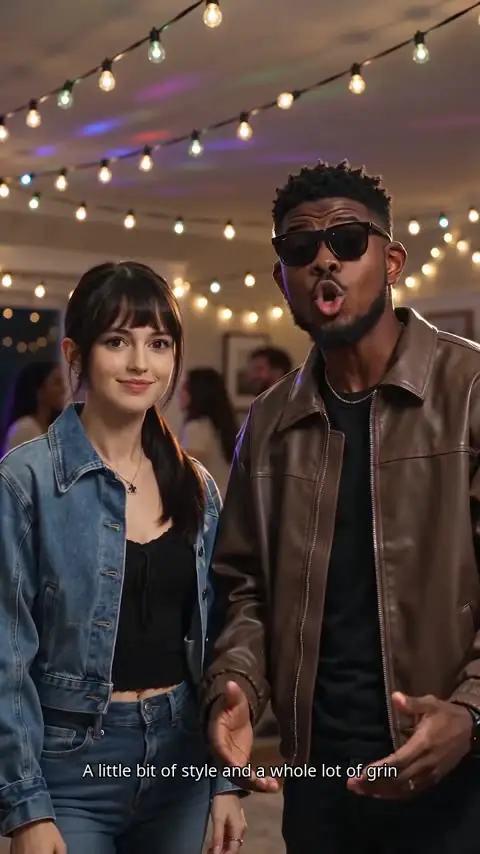
String lights, good friends and a verse for the whole room.
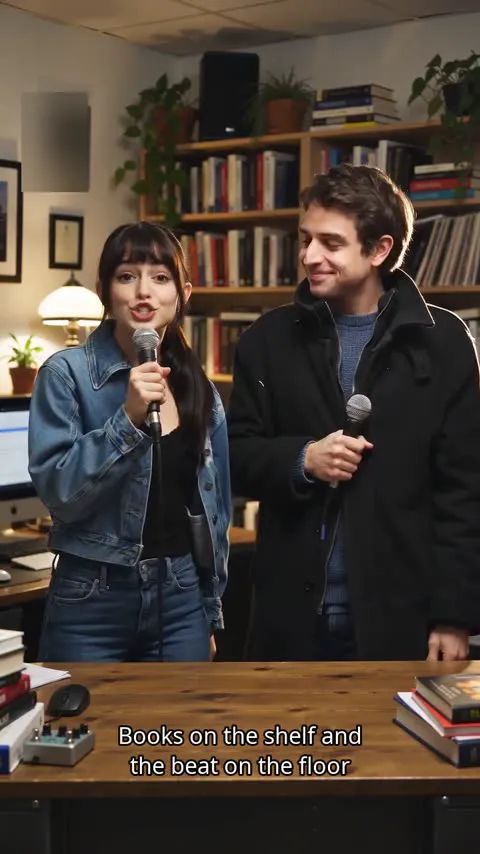
A small room, a cluttered desk and a duo set up close.
It is built for short, personal verses. It is not a replacement for a recording studio or a producer.
You have a joke, a nickname, or a moment worth a verse, and you want to hear it as a rap today without writing every bar or booking time in a booth.
You need a vertical clip with sound, faces, and a hook that is easy to post. Pick a scene, add the topic, and see the cost on the button before you render anything.
A birthday roast for the friend who can take a joke, or a verse for the whole room at a house party. The person in the photo should know about it and be fine with it.
Already know the setting you want? The AI rap video pages start from the scene instead: browse the samples, then make yours there. This page starts from the topic.
FAQ
Short answers about the AI rap generator, photos, previews, and originality.
An AI rap generator turns a topic you type into rap lyrics, a beat, and a short video. On this site you also add photos, so the result is a pair of AI rappers performing in a video instead of only a text file.
Add two selfies or one photo of both people, pick a scene, and type a topic. The studio writes four original lines from the topic and renders the video with the beat and lip sync. Photos are required because the video needs faces to animate.
Yes. Upload photos you have the right to use, of people who are 18 or older. Do not upload another person’s face without their permission. Scene pages such as the studio booth and the street cypher show the kinds of performances already on this site.
Sometimes. If your account has enough credits, they are charged when the render starts and you get the full video. If it does not, and the creator offers it, you can keep one unpaid video and watch a short watermarked preview before you unlock the full file. This page does not set a price; the creator shows the cost before you render.
Start here when you have a topic and want an AI rap generator. Open the AI rap video pages when you already want a scene, such as a birthday roast, a house party, or a hotel lobby.
No. Write an original topic. Do not request a real artist’s voice, name, or copyrighted lyrics. The draft should be new lyrics based on your topic.
Add your photos, type the topic, and render your video.
Back to the generator