 +
+
01
Add your people
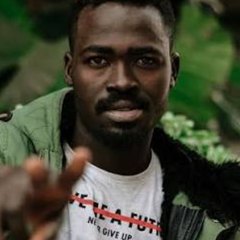
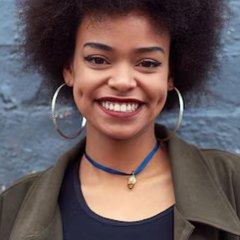
Upload two portraits or one photo together. Clear, well-lit photos work best.
HOW IT WORKS
Three steps. Two people. One video worth sharing.
+Upload two portraits or one photo together. Clear, well-lit photos work best.
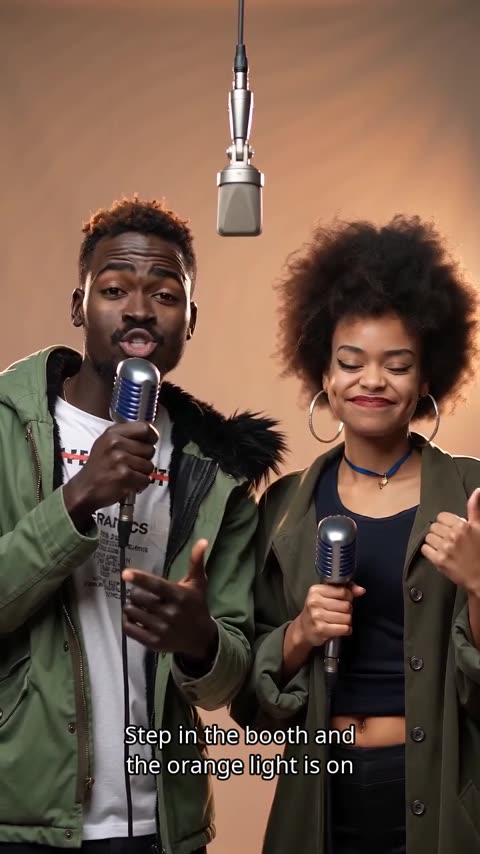
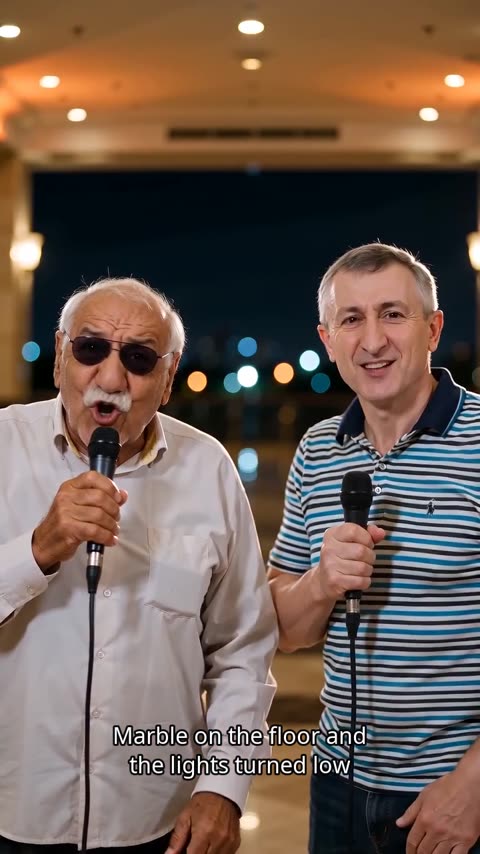
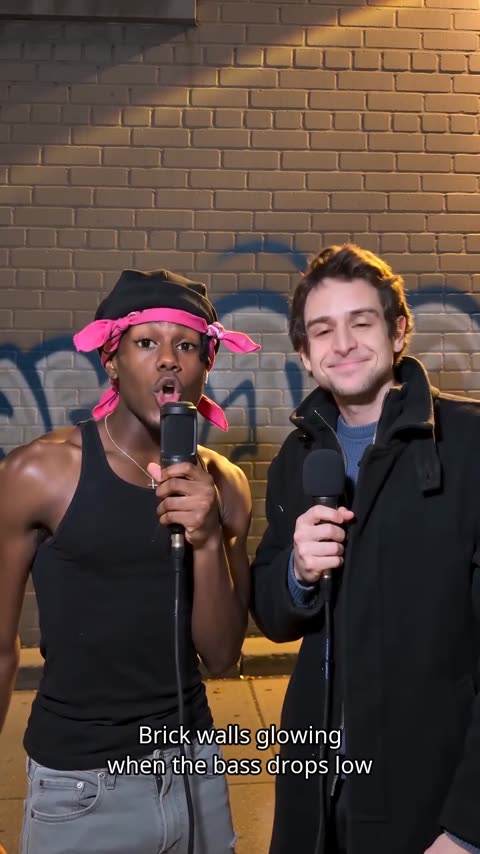
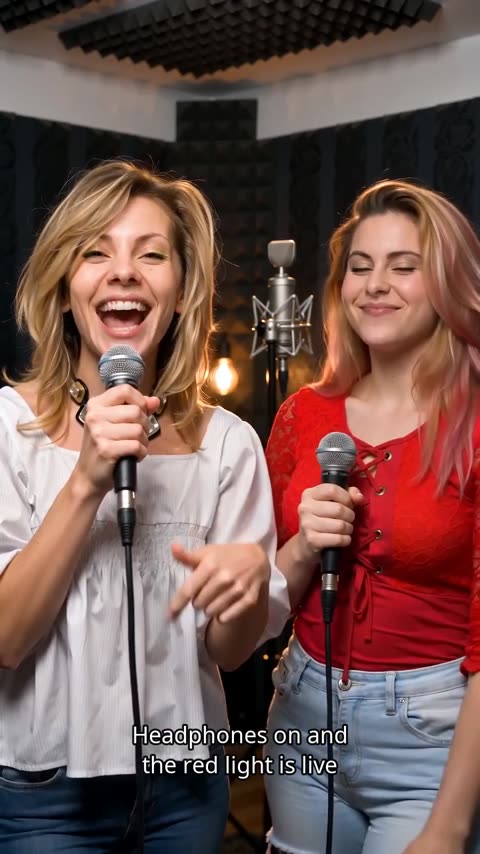
Pick your room, choose the model and add a topic for your verse.
Preview your performance, then unlock an HD download without a watermark.
EXPLAINED
Start with your own photos. Add original lyrics, a beat and a room with personality.
Credit cost changes with model, resolution and duration. Aspect ratio does not add credits.
Create nowBetter results
Small choices before you press Generate make the biggest difference to the lip sync, the lyrics and the final look.
The AI rap video generator animates the faces it can see, so the photo matters most.
A one-line topic is enough; writing your own lyrics gives you full control of the words.
Match the look and the format to the place you will share the video.
AI Rap Videos at a glance
Setting up takes under a minute — add photos, pick a scene and a topic. Generation usually finishes in a few minutes; you can leave the page, and the video appears in My videos when it is ready.
Clear, well-lit photos where each person faces the camera work best. Use two separate portraits or one photo of two people together; JPG, PNG and WebP are supported.
An AI rap video is a short music video in which the people in your photos perform a rap. We turn your topic into original lyrics (or use yours), add an AI-generated beat and two voices, and animate a lip-synced performance, so you get an 8–15 second clip without filming or editing.
Choose your photos. Pick the room. Make something worth replaying.
Create nowFAQ
Everything you need before your first video.
No. A one-line topic is enough: we turn it into a four-line verse, add an AI-generated beat and two voices, and animate the performance. If you enjoy writing, paste your own lyrics instead.
You can pick photos and explore the studio first. Sign in with Google when you are ready to generate.
Yes. Choose One photo together and upload a photo where both people are clearly visible. You can also upload two separate portraits.
JPG, PNG or WebP, up to 10 MB each and at least 512 pixels on each side. Your browser resizes the photos and removes location data before they are uploaded.
Yes, with their permission. Everyone in the photos must be 18 or older and agree to appear in the video, and you confirm this before generating. Photos of celebrities, or of anyone who has not agreed, are not allowed.
Rap videos are made for two adults: two portraits or one photo of both. Solo raps and groups of three or more are not available. Pet photos are not blocked, but results are less predictable because the performance is designed for people.
Yes. Paste up to 8 lines, with 300 characters in total and 80 per line. The performers are asked to rap them once, exactly as written, though an AI performance can still drift slightly. Lyrics copied from existing songs are not allowed.
Yes. Add them to the topic or to your own lyrics. Keep the topic short, around 40 characters. Birthday, how-we-met, cooking and team-win topics each get their own verses.
English and Mandarin Chinese. Write the topic or lyrics in Chinese for a Mandarin rap; anything else is performed in English. The website itself is available in 9 languages.
Yes. Generation runs on our servers. The video appears in My videos when it is ready, and we send you an email when it is done.
A different room, a different story, starring the same two of you.