Getting started
How do I make an AI rap video from photos?
+
Upload two portraits or one photo of both people, pick one of 6 scenes, add a one-line topic or your own lyrics and choose the length. Then generate: the finished lip-synced rap video appears in My videos, usually within a few minutes.
Can I make an AI rap video on my phone without an app?
+
Yes. AI Rap Videos runs in your mobile or desktop browser, so there is nothing to install. Pick photos from your camera roll and download the finished MP4 straight to your phone.
Do I need rapping, songwriting or editing skills?
+
No. A one-line topic is enough: we turn it into a four-line verse, add an AI-generated beat and two voices, and animate the performance. If you enjoy writing, paste your own lyrics instead.
Do I need to sign up?
+
You can pick photos and explore the studio first. Sign in with Google when you are ready to generate.
Is this the Hotel Lobby AI trend?
+
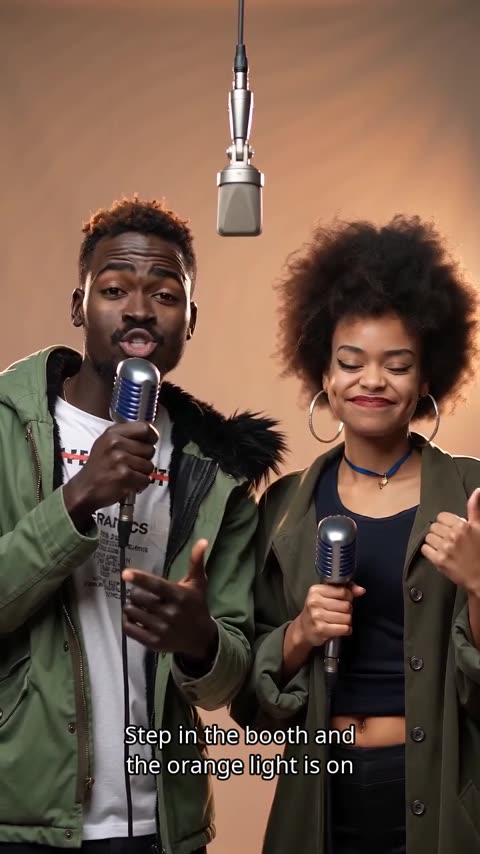
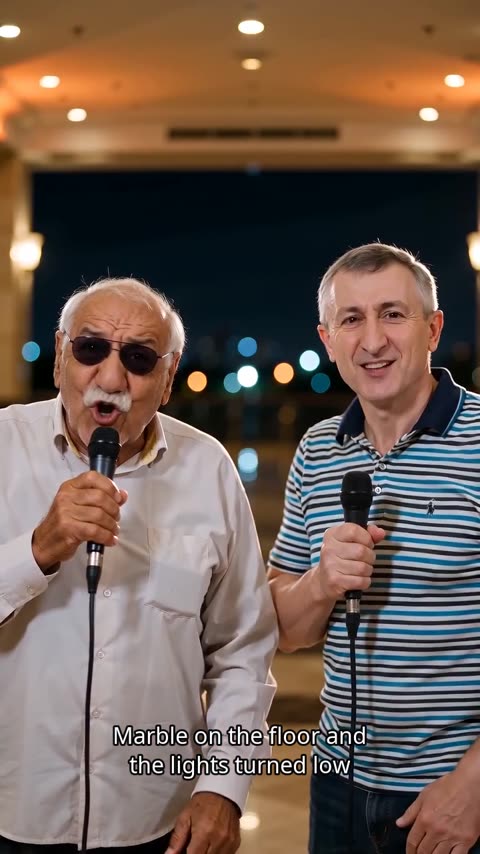
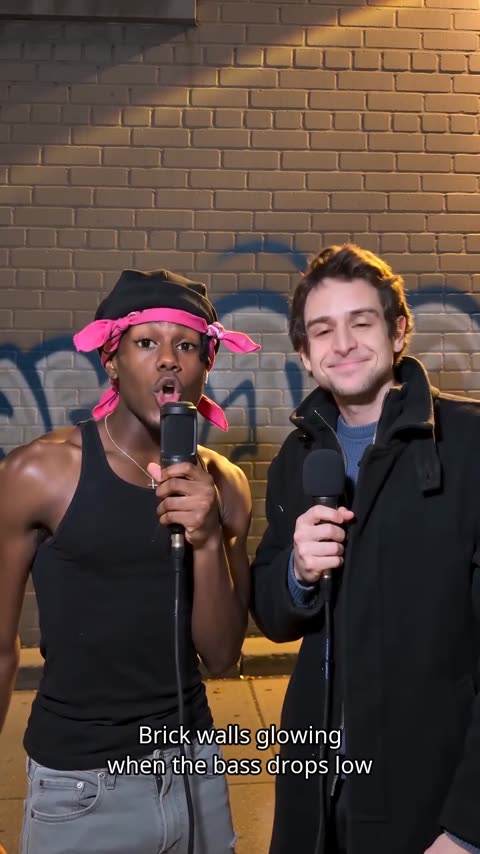
The viral Hotel Lobby and Migos-style AI videos usually place people into an existing clip or song. AI Rap Videos makes a new performance instead: an original rap, beat and lip-synced video built from your own photos, in a hotel lobby or one of five other scenes.
Photos and people
Can I use one photo together?
+
Yes. Choose One photo together and upload a photo where both people are clearly visible. You can also upload two separate portraits.
What photos work best for an AI rap video?
+
Clear, well-lit photos where each person faces the camera work best. Use two separate portraits or one photo of two people together; JPG, PNG and WebP are supported.
Which photo formats and sizes can I upload?
+
JPG, PNG or WebP, up to 10 MB each and at least 512 pixels on each side. Your browser resizes the photos and removes location data before they are uploaded.
Can I use a friend's or partner's photo?
+
Yes, with their permission. Everyone in the photos must be 18 or older and agree to appear in the video, and you confirm this before generating. Photos of celebrities, or of anyone who has not agreed, are not allowed.
Can I make a solo rap, a group rap or a pet rap?
+
Rap videos are made for two adults: two portraits or one photo of both. Solo raps and groups of three or more are not available. Pet photos are not blocked, but results are less predictable because the performance is designed for people.
Video options and generation
What lengths, resolutions and aspect ratios are available?
+
Rap videos are 8, 12 or 15 seconds and photo effects 5 or 10 seconds. Choose 480p, 720p or 1080p (1080p with Pro and Ultra) and a 9:16, 1:1 or 16:9 frame. Downloads are MP4 files.
What is the difference between Standard, Fast, Pro and Ultra?
+
They are different video models: Standard is balanced, Fast favours speed, Pro adds detail and Ultra is the premium option. The price depends on the model, resolution and length, and the creator shows it before you generate.
How long does it take to make an AI rap video?
+
Setting up takes under a minute — add photos, pick a scene and a topic. Generation usually finishes in a few minutes; you can leave the page, and the video appears in My videos when it is ready.
Can I close the page while my video is generating?
+
Yes. Generation runs on our servers. The video appears in My videos when it is ready, and we send you an email when it is done.
Pricing and credits
How much does an AI rap video cost?
+
An AI rap video is paid for with credits: the cost depends on the model, resolution and length you choose, and the exact price is shown before you generate. Credits never expire.
Can I preview an AI rap video before paying?
+
If you have no credits, eligible accounts can create one video, watch its 5-second watermarked preview and pay only to unlock the HD version. If you have credits, they are charged when generation starts, and the price is shown before you confirm.
When are credits charged?
+
If you have enough credits, they are charged when generation starts. Otherwise, eligible accounts can create one pending-download video and pay to unlock it.
What if generation fails?
+
Failed videos do not count toward the pending-download limit. Charged credits are returned if generation fails.
What if the video works but I don't like it?
+
Each video is generated fresh, so another take can turn out differently, but a new take is a new video and costs credits again. Technical failures are different: those credits are returned automatically. Contact support if something looks broken.
Do I need a subscription?
+
No. Buy a one-time credit pack, or choose a monthly membership if you create often; membership credits work out cheaper. Cancelling a membership stops future renewals.
Do credits expire?
+
No. Credits stay in your account with no expiry date, including credits from a membership you later cancel.
What if I paid but don't see my credits?
+
Credits are added as soon as the payment is confirmed. If they are missing, email support@airapvideos.ai from your account email with the order details and we will check it.
Downloads, privacy and sharing
How do downloads work?
+
Unlock an unpaid video with credits or a one-time cash payment. Membership credits offer better value, and larger plans save more.
Does the downloaded video have a watermark?
+
No. The unlocked HD video downloads without a watermark. Only the 5-second preview of an unpaid video shows the airapvideos.ai watermark.
How long are videos available?
+
Videos are kept for 30 days. An expired unpaid video still occupies your pending-download slot; contact support for help.
Can I share a link to my video?
+
Video pages are private to your account. Download the MP4 and share it wherever you like: TikTok, Instagram Reels, YouTube Shorts or the group chat.
Are my photos private, and are they used for AI training?
+
Your photos and videos are private and only shown through short-lived links. We do not use them to train AI models. Uploaded photos are deleted 24 hours after the job starts, and videos 30 days after they are finished.
Can I delete my videos and data?
+
Yes. Delete a paid video from its page at any time. For unpaid videos or your whole account, email support@airapvideos.ai.
Can I use my AI rap video commercially?
+
Personal and social sharing is fine. Commercial use, such as ads or client work, is your responsibility: you need permission from everyone pictured and must follow our Terms and the AI provider's commercial-use terms.
Do I need to label the video as AI-generated?
+
Often, yes. TikTok, YouTube, Instagram and Facebook ask creators to label realistic AI-generated content. Check each platform's rules before posting, and never present the video as a real recording.
What content is not allowed?
+
Impersonation, harassment, sexual content, anything involving minors, and lyrics copied from existing songs. Only use photos of adults who have agreed to take part.