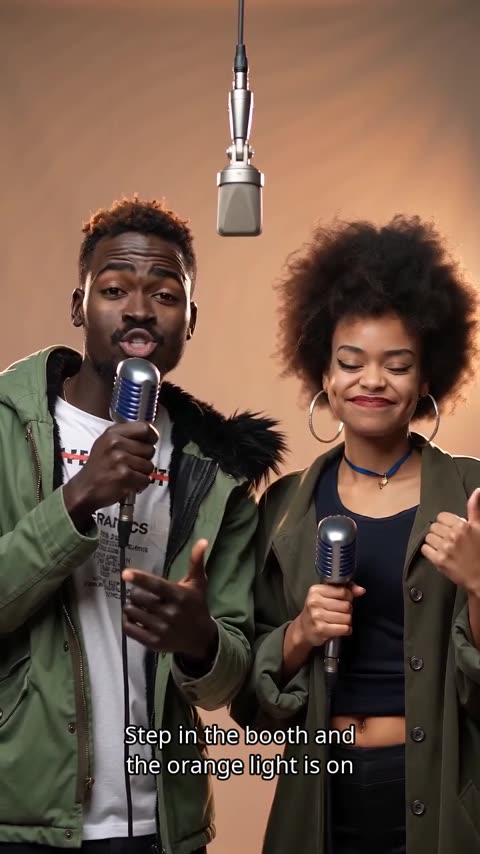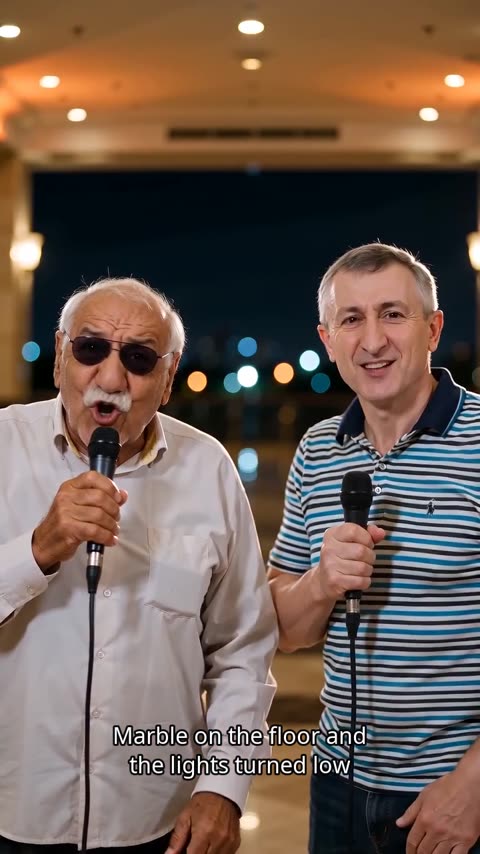
What the scene looks like
A city street at night with textured brick, subtle graffiti, warm amber rim lights and cool blue shadows: the classic backdrop for a freestyle cypher or a friendly rap battle.
Scenes / Street Cypher
Make the room yours. Upload your photos, add a topic and step into a new performance.
Two portraits or one photo together · Original lyrics + beat
Create in this room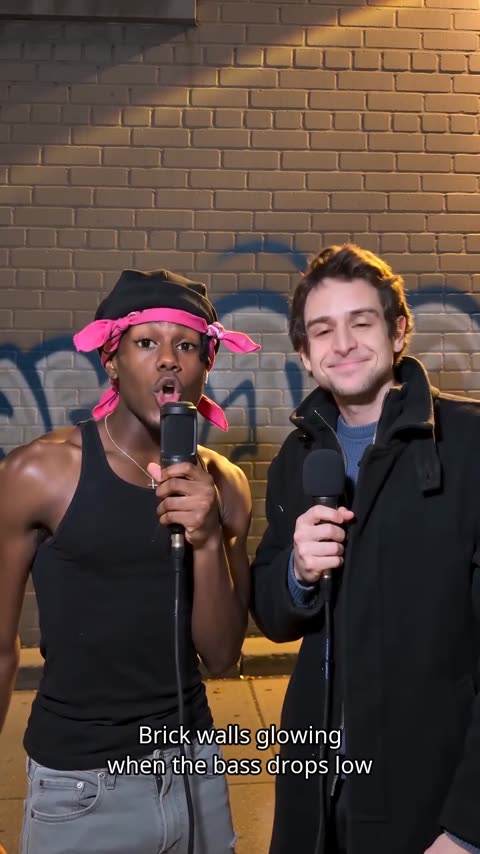
What the scene looks like, topics that suit it, one tip and the settings we recommend.
A city street at night with textured brick, subtle graffiti, warm amber rim lights and cool blue shadows: the classic backdrop for a freestyle cypher or a friendly rap battle.
Give each person one side of the argument. The back-and-forth then feels like a real cypher.
15 seconds so both rappers get several turns, in 9:16 for Shorts or 1:1 for feeds.
AI Rap Videos at a glance
The Street Cypher AI rap video is a short music video set in the Street Cypher scene, where the people from your photos perform an original rap with a beat and lip sync. Take your two-person back-and-forth to a graphic city corner.
Use Street Cypher for high-energy back-and-forths, friendly rap battles and weekend crews.
Upload two photos or one photo together, keep Street Cypher selected, add a topic or your own lyrics and choose 8, 12 or 15 seconds. Generation usually takes a few minutes, and the finished video appears in My videos.
FAQ
Everything you need before your first video.
Yes. The two performers take turns line by line: odd lines go to the first photo (or the person on the left in a shared photo) and even lines to the second. To change who starts, swap the photos.
Yes. Add them to the topic or to your own lyrics. Keep the topic short, around 40 characters. Birthday, how-we-met, cooking and team-win topics each get their own verses.
Yes. Paste up to 8 lines, with 300 characters in total and 80 per line. The performers are asked to rap them once, exactly as written, though an AI performance can still drift slightly. Lyrics copied from existing songs are not allowed.
Mouth movement follows the generated vocals line by line. Short, clear lines sync best; very fast or tongue-twisting bars are harder, so results can vary from one take to the next.
They are based on your photos, but the video is generated, so faces, hands and small details can vary. Sharp, front-facing photos with even light give the closest likeness.
Yes. Rap videos have the lyrics burned in as captions, in the preview and in the final video, and they cannot be turned off. Photo effects have no captions.
Rap videos are 8, 12 or 15 seconds and photo effects 5 or 10 seconds. Choose 480p, 720p or 1080p (1080p with Pro and Ultra) and a 9:16, 1:1 or 16:9 frame. Downloads are MP4 files.
They are different video models: Standard is balanced, Fast favours speed, Pro adds detail and Ultra is the premium option. The price depends on the model, resolution and length, and the creator shows it before you generate.
A different room, a different story, starring the same two of you.