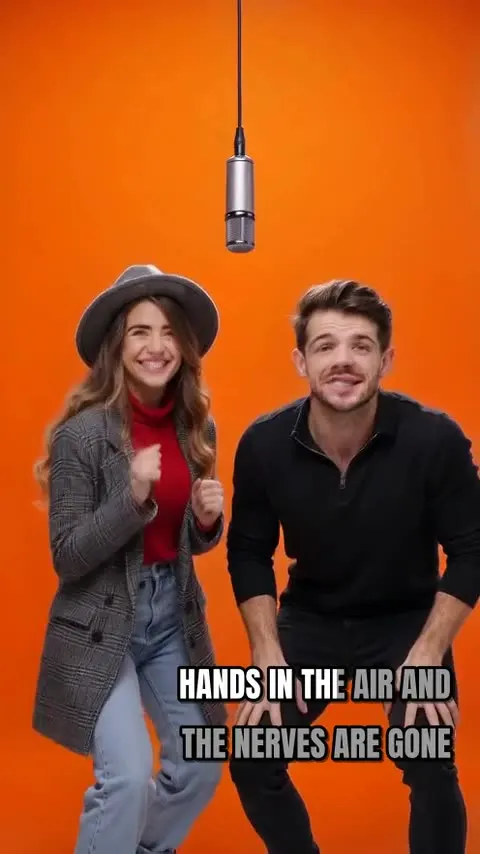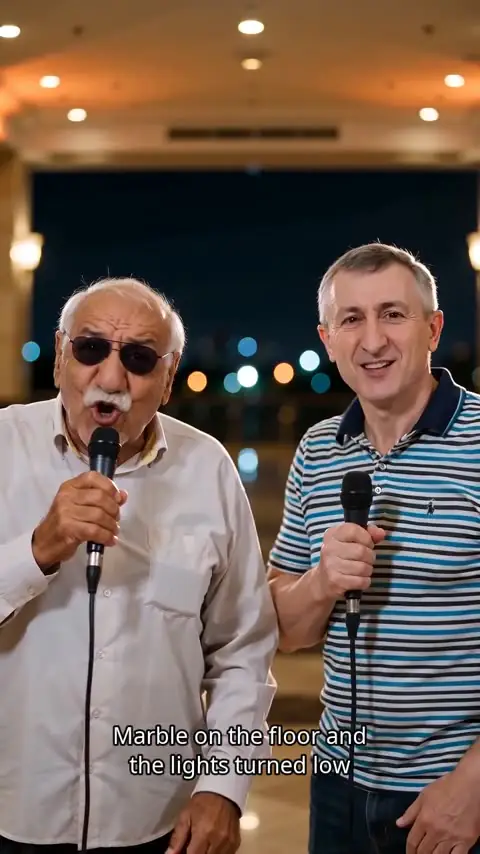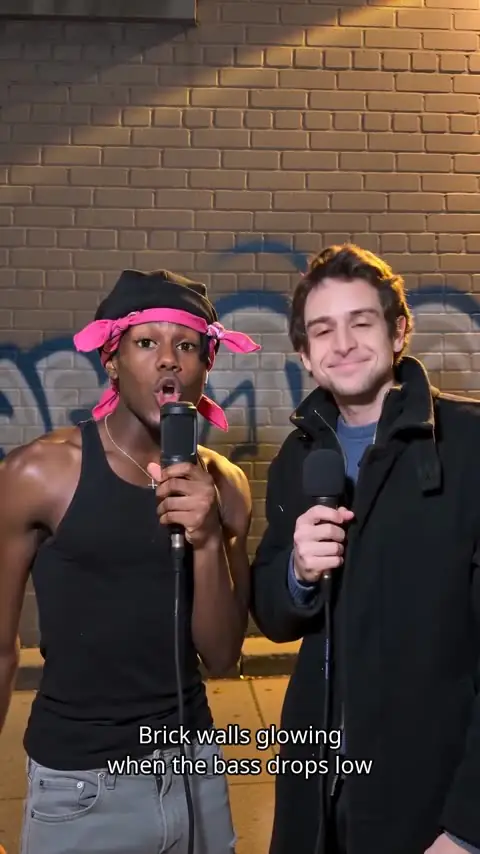
A verse to try
Announce your imaginary first single: introduce each stage name, include one shared ambition and give the track a memorable last line.
Scenes / Studio Booth
A Studio Booth AI rap video turns two portraits into a recording-session duet with acoustic panels, microphones and warm studio light. It fits a stage-name reveal, a pretend debut single or a verse for a friend who loves music. Start with your own lyrics if the wording matters, or give the creator a topic for an original verse, beat and lip-synced performance.
Typical setting: Standard model, 720p, 12 seconds, 10 credits. Usually ready in about 5 minutes; the creator shows the current price before rendering.
Two portraits or one photo together · Original lyrics + beat
Start from a topic and make an AI rapper from your photos.
Want a stage name with a classic kung fu flavor? Use the Wu-Tang Clan style rap name generator.
Need the words first? Free rap tools: Rap Hook Generator · Rap Verse Generator · Rap Lyrics Generator
Create in this room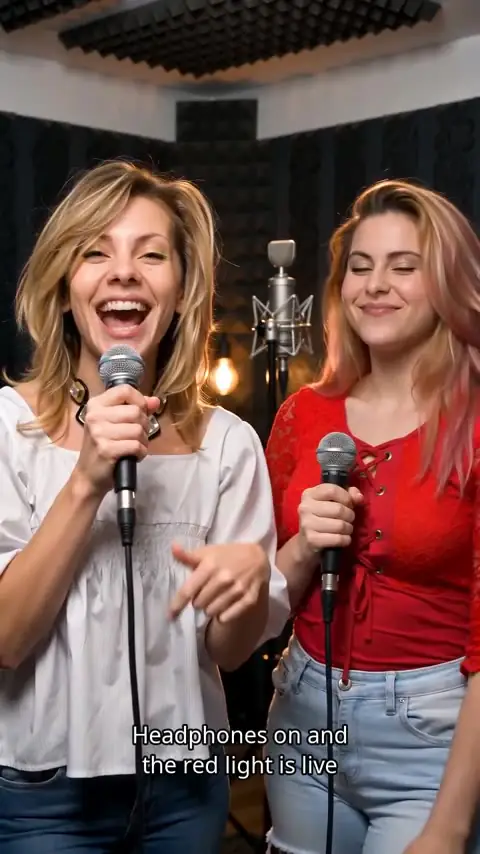
Announce your imaginary first single: introduce each stage name, include one shared ambition and give the track a memorable last line.
Choose photos without headphones, hands or a real microphone covering the face. Similar head sizes help the duo read clearly beside the studio equipment.
The recording-booth example shows the acoustic-panel setting and two-person performance. Use the transcript to see how short lines fit the 12-second sample.
Real sample · Same pipeline
The two photos that went in, each step, the exact settings, 5 frames and every line rapped.
One clear photo of each person.
Studio Booth, plus four original lines.
Lip sync, moves and an original beat, made together. Usually takes about 5 minutes.
The lyrics are burned in as subtitles and the volume is evened out to -14 LUFS.
A 720×1280 vertical video with sound.
Tap a frame to jump to that moment in the video.
Shown exactly as rapped in the sample. Your video gets its own lines, made from your topic or written by you.
This sample went through the same pipeline as the creator: the same model tier, settings and subtitle rendering. Your video is made fresh from your photos and lines, so faces, moves and details will differ.
What the scene looks like, topics that suit it, one tip and the settings we recommend.
A professional recording booth with dark acoustic panels, amber studio lights and microphones on stands behind the performers, so your AI music video feels like a real session.
This booth suits your own lyrics. Short lines with a clear rhyme are easiest to perform and to lip sync.
12 or 15 seconds with your own lyrics, in 16:9 if you share it on YouTube or in a presentation.
AI Rap Videos at a glance
The Studio Booth AI rap video is a short music video set in the Studio Booth scene, where the people from your photos perform an original rap with a beat and lip sync. Two mics, one booth, and a playful exchange built for the duo.
Use Studio Booth for a serious recording-session vibe — creators, music lovers and duet challenges.
Upload two photos or one photo together, keep Studio Booth selected, add a topic or your own lyrics and choose 8, 12 or 15 seconds. Generation usually takes a few minutes, and the finished video appears in My videos.
FAQ
Everything you need before your first video.
Yes. The two performers take turns line by line: odd lines go to the first photo (or the person on the left in a shared photo) and even lines to the second. To change who starts, swap the photos.
Yes. Add them to the topic or to your own lyrics. Keep the topic short, around 40 characters. Birthday, how-we-met, cooking and team-win topics each get their own verses.
Yes. Paste up to 8 lines, with 300 characters in total and 80 per line. The performers are asked to rap them once, exactly as written, though an AI performance can still drift slightly. Lyrics copied from existing songs are not allowed.
Mouth movement follows the generated vocals line by line. Short, clear lines sync best; very fast or tongue-twisting bars are harder, so results can vary from one take to the next.
They are based on your photos, but the video is generated, so faces, hands and small details can vary. Sharp, front-facing photos with even light give the closest likeness.
Yes. Rap videos have the lyrics burned in as captions, in the preview and in the final video, and they cannot be turned off. Photo effects have no captions.
Rap videos are 8, 12 or 15 seconds and photo effects 5 or 10 seconds. Choose 480p, 720p or 1080p (1080p with Pro and Ultra) and a 9:16, 1:1 or 16:9 frame. Downloads are MP4 files.
They are different video models: Standard is balanced, Fast favours speed, Pro adds detail and Ultra is the premium option. The price depends on the model, resolution and length, and the creator shows it before you generate.
A different room, a different story, starring the same two of you.