
Action shot
Turn a jump into a movie moment.
Photo effect example
A real AI video made with the Bullet Time photo effect. They jump into a pose and time freezes mid-air while the camera orbits around them in a smooth half circle.
Use your own photos. Choose 5 or 10 seconds and a 9:16, 1:1 or 16:9 frame; the creator shows the cost before anything is charged.
Make a Bullet Time AI videoThis is a real render. Every video is generated fresh from your photos, so faces, timing and details differ from this example.
What happens in the clip, and why people make it.
A real AI video made with the Bullet Time photo effect. They jump into a pose and time freezes mid-air while the camera orbits around them in a smooth half circle.
The orbiting camera makes a single pose feel cinematic, which is why the effect is popular for action and dance clips.
Occasions people use it for.
Turn a jump into a movie moment.
Freeze a celebration and orbit around it.
A frozen pose at the peak of the move.
The format or tradition behind it.
Bullet time, also called frozen moment, is a visual effect in which time seems to stop while the camera keeps moving around the subject.
Three steps in the creator.
Upload one clear photo, or switch to separate selfies and add one portrait for each person.
The Bullet Time effect is selected when you open the creator from this page.
Choose the length and frame, confirm you may use the photo, and press the button. The cost is shown before anything is charged.
FAQ
Photos, length, formats, cost and sharing.
A real AI video made with the Bullet Time photo effect. They jump into a pose and time freezes mid-air while the camera orbits around them in a smooth half circle. The orbiting camera makes a single pose feel cinematic, which is why the effect is popular for action and dance clips.
Popular uses include action shot, sports clip, dance trend. Turn a jump into a movie moment.
Bullet time, also called frozen moment, is a visual effect in which time seems to stop while the camera keeps moving around the subject.
1. Add a photo: Upload one clear photo, or switch to separate selfies and add one portrait for each person. 2. Choose Bullet Time: The Bullet Time effect is selected when you open the creator from this page. 3. Pick the length and generate: Choose the length and frame, confirm you may use the photo, and press the button. The cost is shown before anything is charged.
A sharp, well-lit photo with nothing covering the face. Use only photos you have the right to use, of people 18 or older who agree to it.
The Bullet Time AI video runs 5 or 10 seconds. You can choose a 9:16, 1:1 or 16:9 frame and 480p, 720p or 1080p (1080p on Pro and Ultra plans). The example on this page is 5 seconds in 9:16.
You can watch a short watermarked preview first. The full HD video without a watermark is unlocked with credits or a one-time payment, and the creator shows the cost before anything is charged. You may share the videos you make, but a download does not give you rights to anyone else’s music, trademarks or likeness.
An outside reference for the background above.
Definition of the bullet-time (frozen moment) effect.
Other real examples, each on its own page.
 Earth Zoom Out AI Video
 Hug AI Video
 Money Rain AI Video
 Red Carpet AI Video
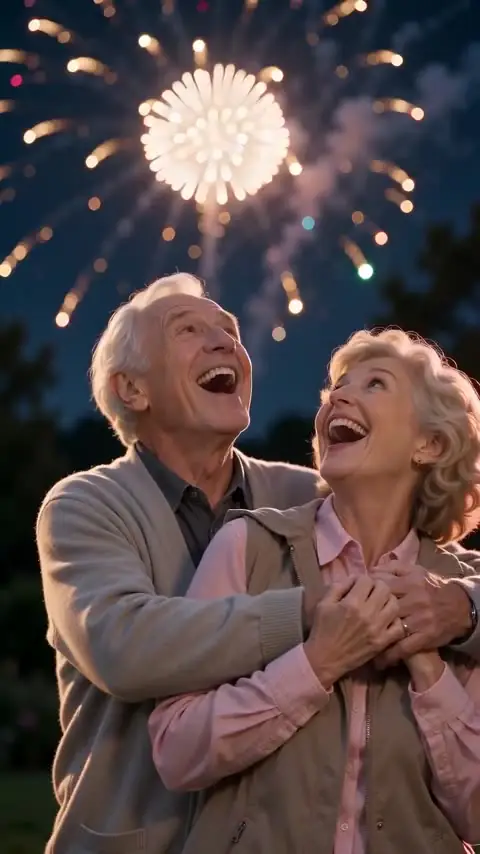 Fireworks AI Video
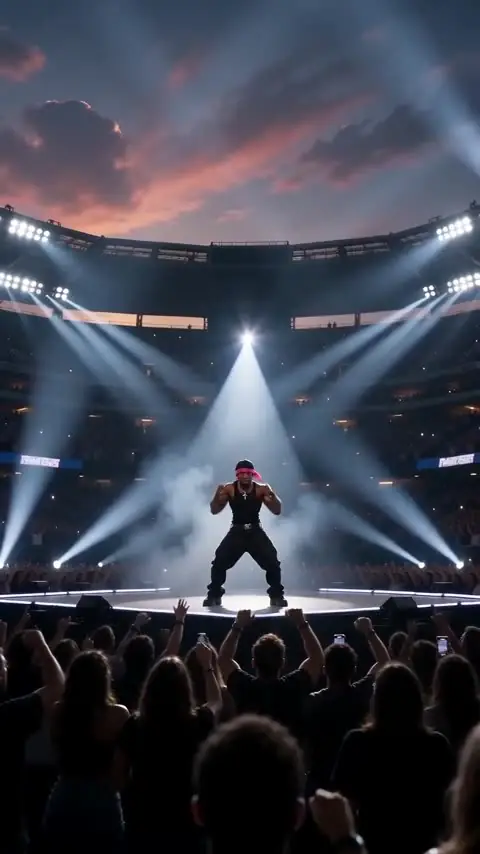 Live Concert AI Video
See all examples.