
Profile intro
Open a new account or a reel like an action-movie lead.
Explosion Walk creator · Photo effects studio
Photo effect example
A real AI video made with the Explosion Walk photo effect. They stand up on the centre line of a dark highway, walk toward the camera, snap their fingers, and the spot they started from bursts into a wall of fire behind them while they keep walking without looking back.
Use your own photos. Choose 10 seconds and a 9:16, 1:1 or 16:9 frame; the creator shows the cost before anything is charged.
Make your own Explosion Walk videoThis is a real render. Every video is generated fresh from your photos, so faces, timing and details differ from this example.
What happens in the clip, and why people make it.
A snap, a wall of fire and a walk that never looks back read instantly on a phone screen, and the calm face against the blast is the joke.
Occasions people use it for.
Open a new account or a reel like an action-movie lead.
A new job, a launch or a move, delivered with a bang.
For the friend who never looks back at a problem.
The format or tradition behind it.
Walking away from an explosion without looking back is a long-running action-movie image. The effect stages it as a film-set blast far behind the person, so nobody is in danger.
Open the creator with this scene or effect selected, add your own photos and review the available options and price.
FAQ
Photos, length, formats, cost and sharing.
Yes. This page plays a completed 10-second Explosion Walk sample. Its render date and frame are shown beside the video; your own result is generated separately from the photos you provide.
No. The scene or effect gives the generation its direction, but faces, gestures, timing, sound and background details can vary. Treat the sample as an example of the format, not a promise of an identical result.
Photo effects use generated sound and do not take rap lyrics. If you want an original verse performed by two people, choose one of the rap scenes instead. The effect does not supply a famous song or its original recording.
A sharp, well-lit photo with nothing covering the face. Use only photos you have the right to use, of people 18 or older who agree to it.
The Explosion Walk AI video runs 10 seconds. You can choose a 9:16, 1:1 or 16:9 frame and 480p, 720p or 1080p (1080p with the Pro or Ultra model). The example on this page is 10 seconds in 9:16.
Watching this example is free. Video generation requires Google sign-in. When enabled and within daily limits, eligible accounts can make a free 5-second watermarked preview. Credits or payment unlock the full video. Use only photos, music and likenesses you have permission to share.
Previews and full videos remain available for 30 days after generation completes. Paying later does not restart the 30-day period. Download your copy before it expires; the site is not permanent storage.
An outside reference for the background above.
Film explosions are staged special effects, the movie look this effect imitates.
Other real examples, each on its own page.
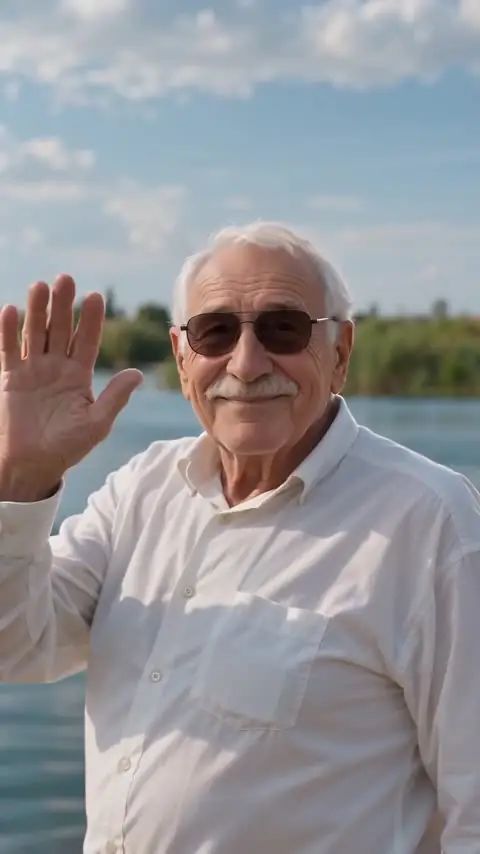 Earth Zoom Out AI Video
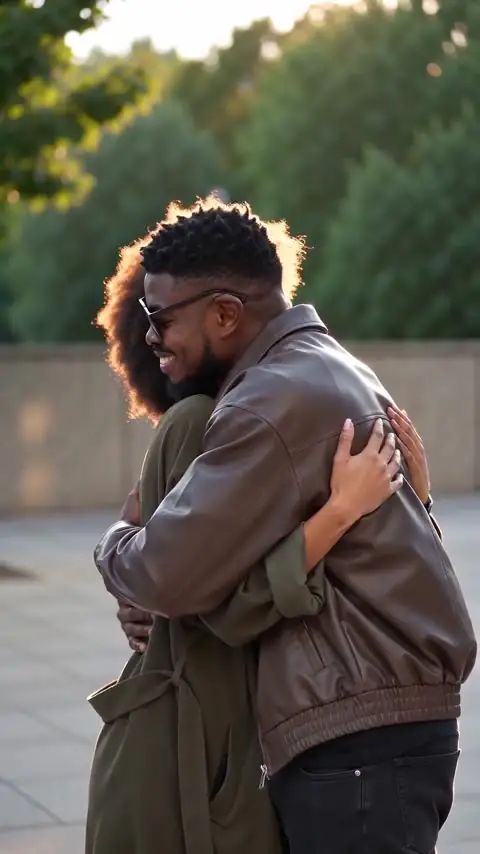 Hug AI Video
 Money Rain AI Video
 Red Carpet AI Video
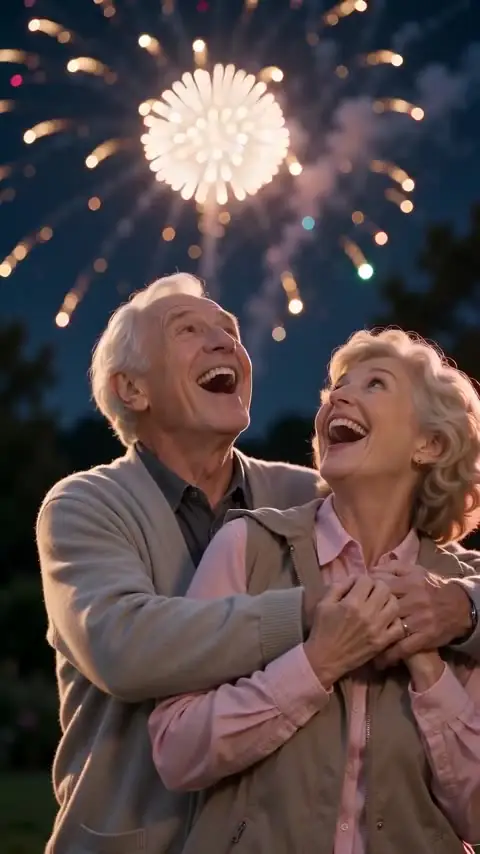 Fireworks AI Video
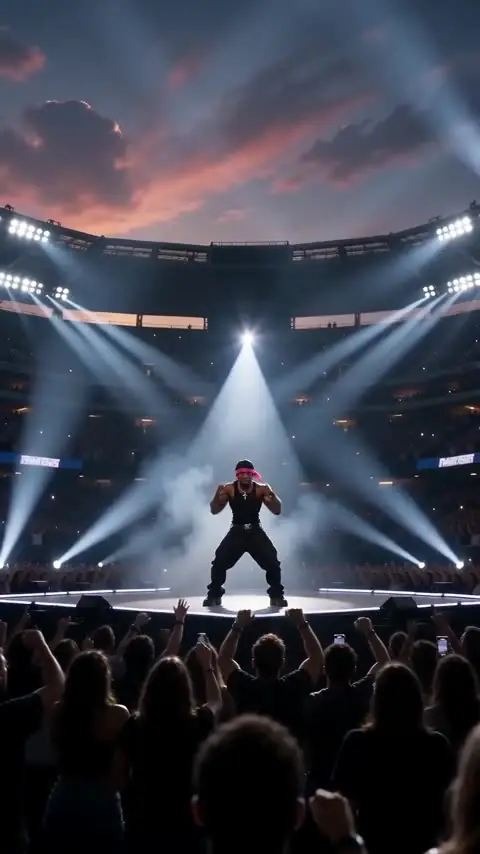 Live Concert AI Video
See all examples.